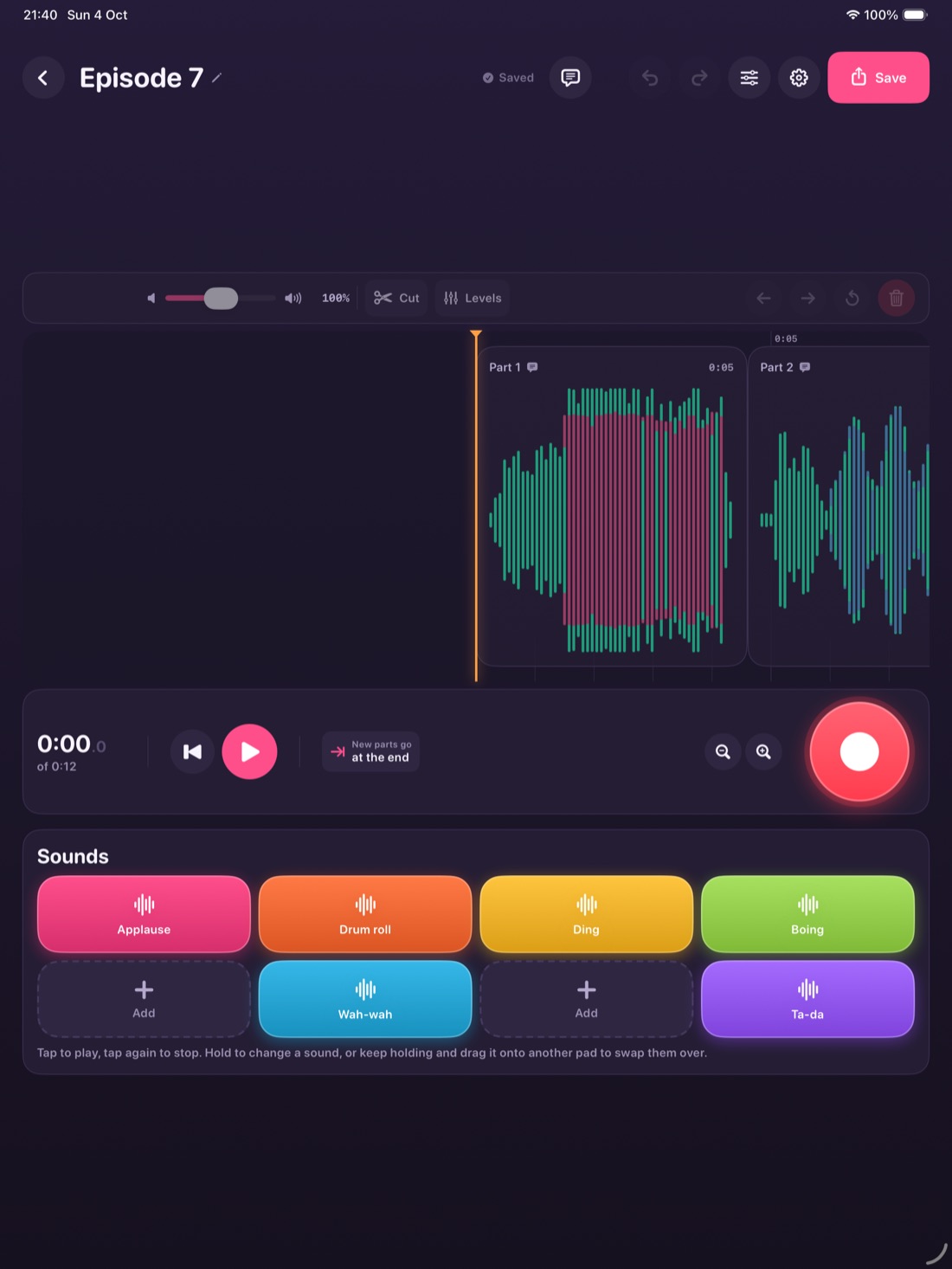
You hit record and talk, and Waffle Iron tidies it up as you go. It'll sound good straight away, and you won't see a track, a mixer or a manual anywhere.
Coming soon to the App Store. Buy it up-front, keep it forever.
How it works
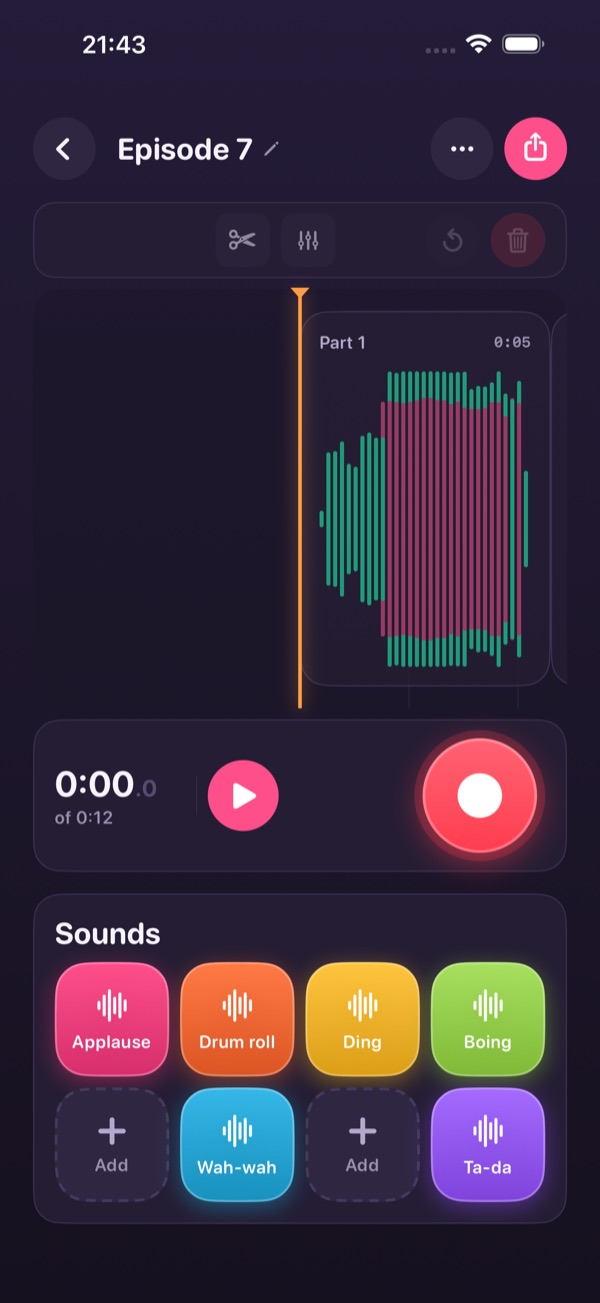
Press the big red button and talk.
See it go
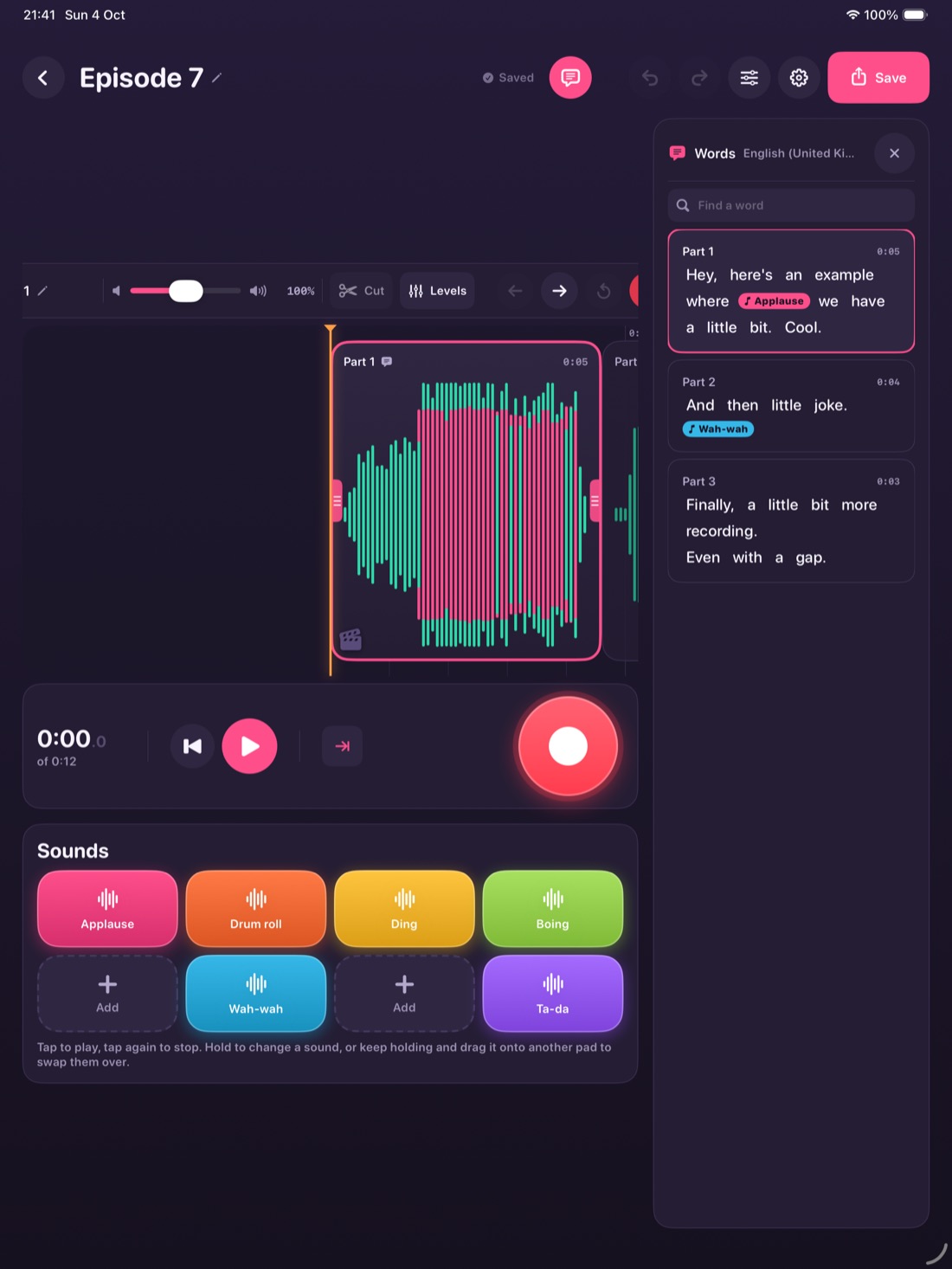
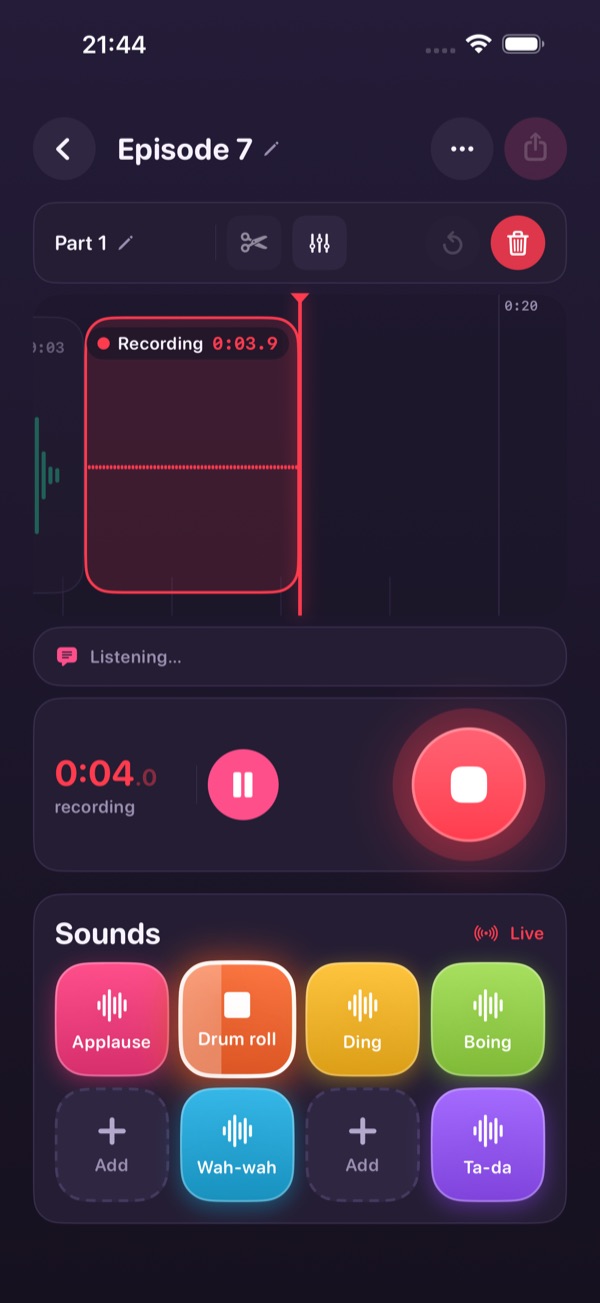
No mock-ups. These are straight off the app, playing an episode recorded on a phone.
Press play and you can read along, then find any bit by searching for what was said.
Tap one while you're talking and it drops in at that moment. You can move it afterwards.

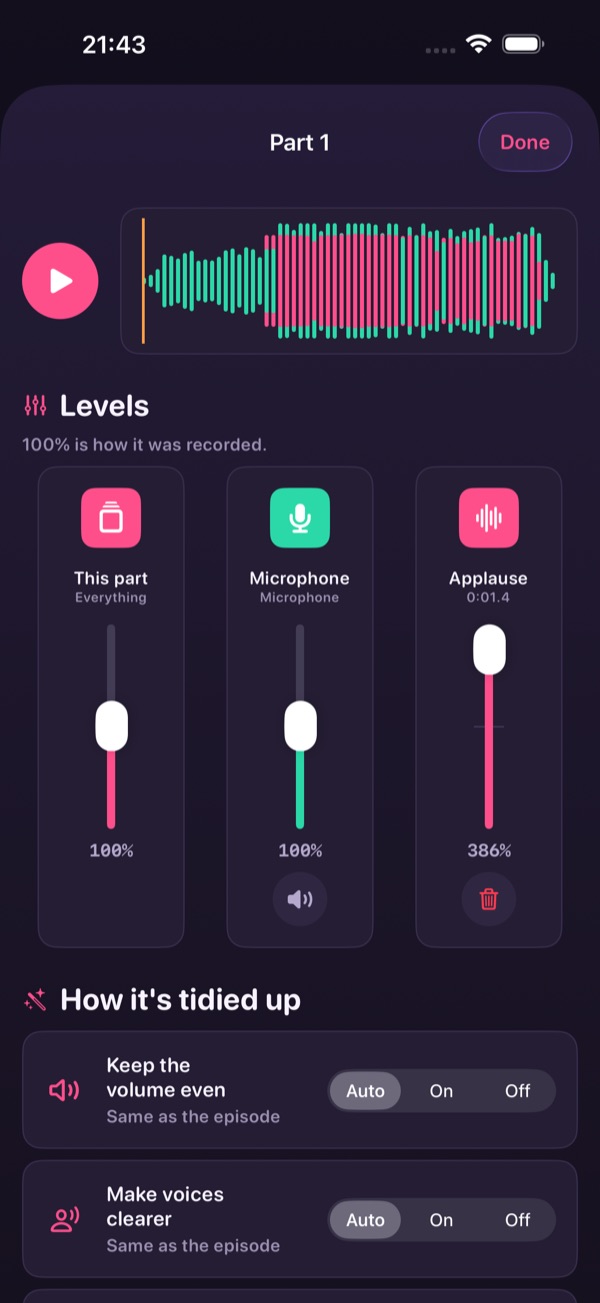
Everything's on Auto from the start. Fiddle if you want to, or don't.


Why people give up
Multi-track is how good audio gets made, and it's also why most people give up in the first ten minutes. Every other app hands you the controls and expects you to learn them.
There's a whole vocabulary to learn before you've said a word, for a job you could describe in one sentence.
Sign up, upload, tick a box. Your voice ends up on somebody's server before it ends up anywhere you chose.
You end up learning the software instead of recording the thing you sat down to record.
What you get
Tap one while you talk and it lands exactly where you were. Applause, a drum roll, a buzzer for a terrible joke, or your own sounds.
Each take is transcribed on the device as you go, so you can search for a bit, read a part back, and cut what you don't need.
The volume's kept even, voices get clearer and the long pauses come out. It's all on from the start.
It listens for them and covers them up. Turn it off if you'd rather keep them in.
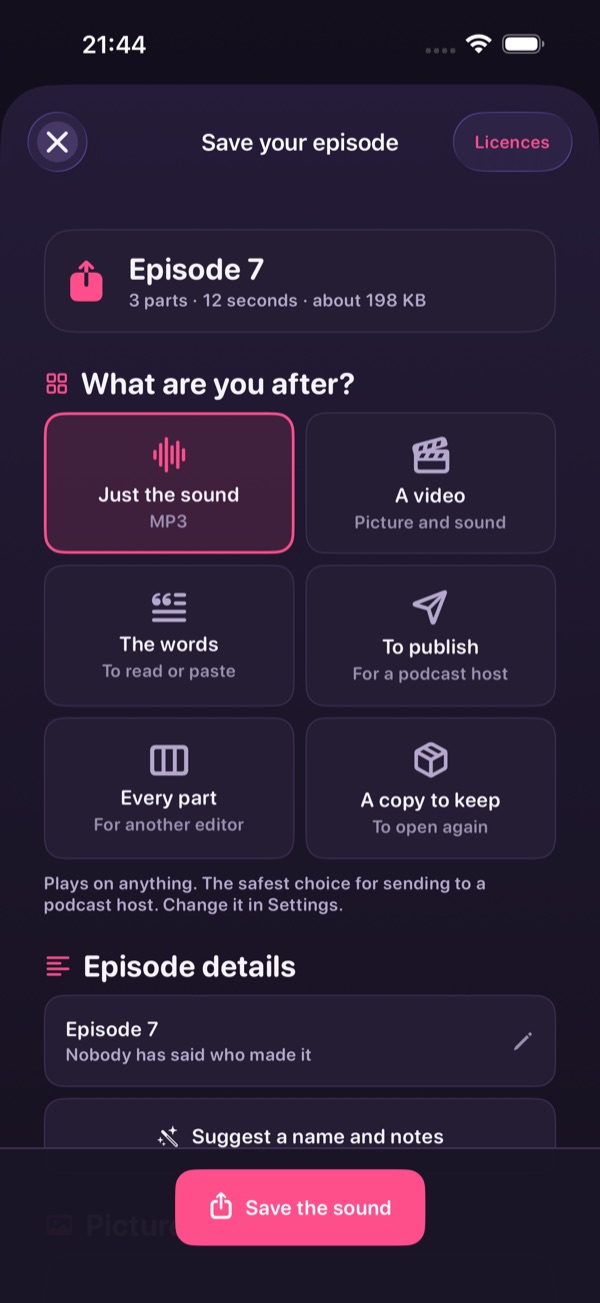
An MP3 or M4A with its artwork, a video with captions, just the words, or every part separately to finish somewhere else.
Recording, transcribing, tidying and saving all happen on the device. You don't need a signal at any point.
Who it's for
That turns out to be a lot of people.
You don't need twenty hours. Record it in one sitting, tidy it up on the sofa, and send it before you've changed your mind.
Nothing here assumes you know what a bus is, or a send, or why anybody would want to normalise anything.
You opened the big one, had a look, and closed it again. This does the same job with a lot less on screen.
Plug in a USB interface and every microphone gets recorded on its own, without you setting any of it up.
Hand an iPad round the table and get something worth listening to back, with no logins to hand out.
Interviews, sermons, songs, bedtime stories, a running commentary on the dog. It doesn't mind what it is.
Privacy
Your recordings only leave if you want them to.
Read the full privacy policy. It's the same words that are in the app.
Questions
No. The built-in one's fine and the app's tuned for it. If you've got AirPods, a USB mic or an interface, it'll use those instead.
It is. Every take keeps one audio file per microphone, plus every sound effect and exactly when it played. That's what makes the tidying possible. You're just never asked to manage any of it.
An MP3 or M4A with its artwork and tags, a video with captions, just the words, or every part as its own file for another editor. From there it goes wherever you send it: Files, Mail, a podcast host, another app.
Completely. Recording, transcription, tidying and saving all run on the device, so it works in flight mode and on Wi-Fi that blocks everything.
No. You buy it once. There's nothing running on our end, so there's nothing to charge you for every month.
Yes. Plain words, big buttons, no account, no links out to anywhere, and nothing you can lose by accident. The things that make it easy for a beginner make it fine for a child too.